Free
£0
For a Mac and a PC
- 2 devices
- Full Apple input feel
- Encrypted, peer-to-peer
- Text clipboard


Share one keyboard and mouse across your Mac and Windows PC.
Overdesk is in pre-alpha. There are no public builds yet.
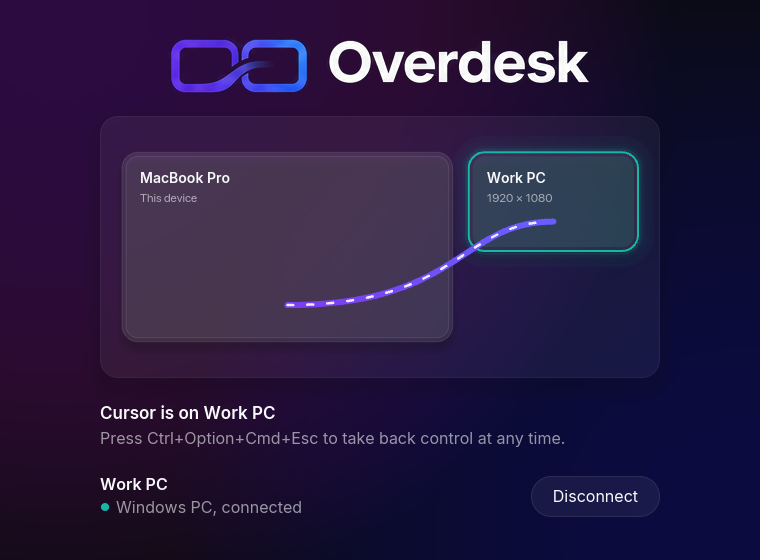
There is no server and no client: touch the Mac trackpad and it drives the PC, grab the PC mouse and it drives the Mac.
Magic Mouse and trackpad scrolling keep their momentum, and ⌘C copies on Windows.
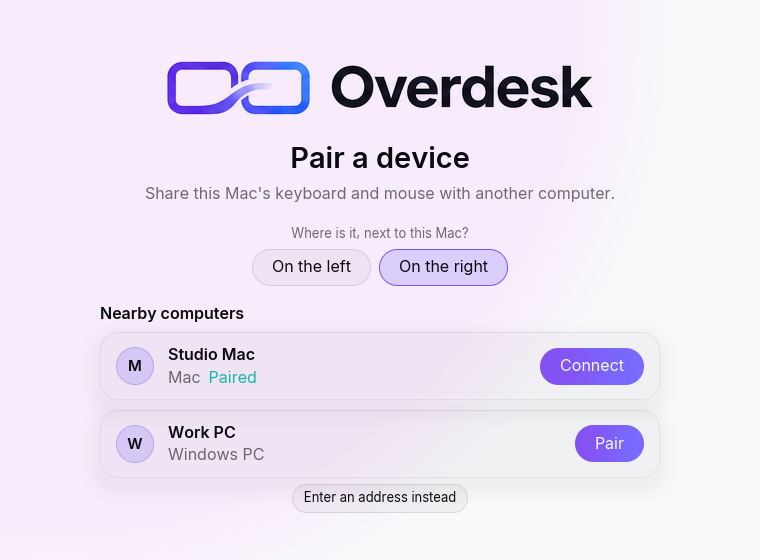
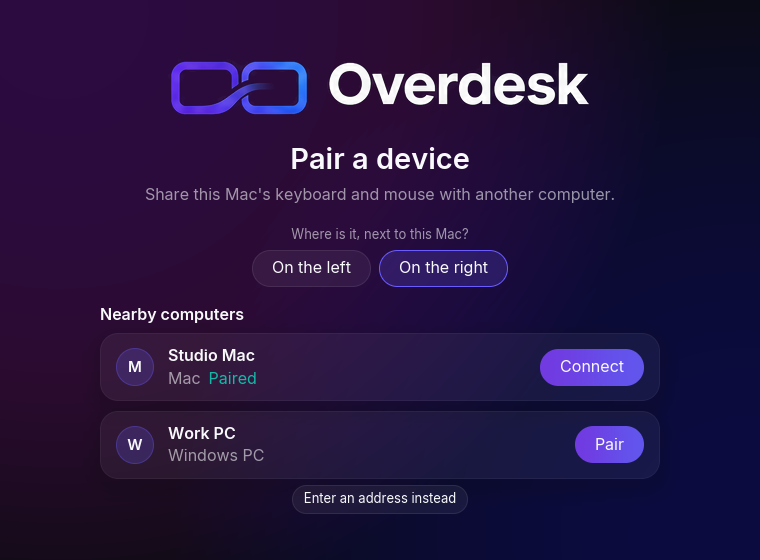
Nearby computers appear in a list, so you never type an IP address.
Every connection is encrypted, and pairing takes a 6-digit code shown on both screens.
Pointer motion rides on QUIC datagrams, so a lost packet is replaced by the next one instead of freezing you.
Built for managed corporate laptops: IT installs it once, and every update after that installs quietly for you.
Put Overdesk on your Mac and on your Windows PC. Neither is the boss.
It shows up in the Nearby list on its own. Choose it and say which side of your Mac it sits on.
Both screens show the same 6-digit code. Match them once, then slide your cursor across.
£0
For a Mac and a PC
£20
One-time, per email. No subscription.
It is open core. Everything in the public repository is AGPL-3.0-only, and the Pro features are a separate closed module.
View the sourcemacOS and Windows. Linux comes later, starting with X11 and then Wayland. Overdesk is still pre-alpha and has no public builds yet.
No. Overdesk installs and updates per user, with no service, no root helper and no writes to Program Files. One limit: Windows does not let a standard app type into windows that run as administrator.
Only to your own paired computers, over an encrypted connection. There is no Overdesk server in between.
Yes. The AGPL asks anyone who ships or hosts a modified version to publish their source. To embed Overdesk in a closed-source product, ask for a commercial licence.
Read about commercial licensing